
Welcome to the new AACRAO website. While the site is live, development is ongoing, visitors can expect updates and new features in the weeks ahead.

Research Library

Dive into AACRAO’s Research Library for in-depth studies, reports, and analyses on enrollment, records, transfer, and other key higher education topics. Stay informed with data-driven insights.
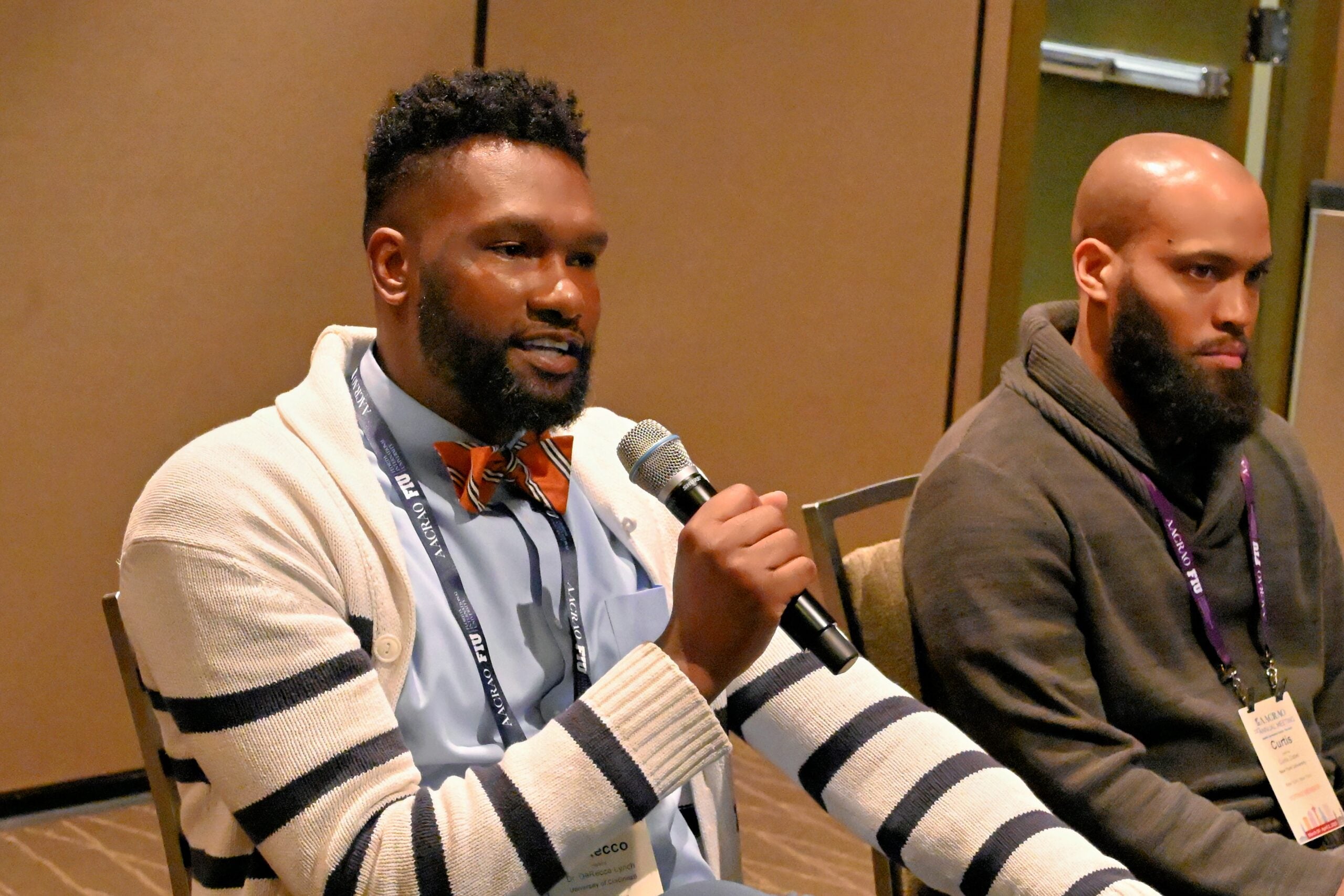
Two conference attendees speaking at a panel while holding microphones

AACRAO Competency Set

Explore the AACRAO Competency Set to understand the knowledge and skills that define success in higher education roles. Use it for professional growth, career planning, and institutional development.

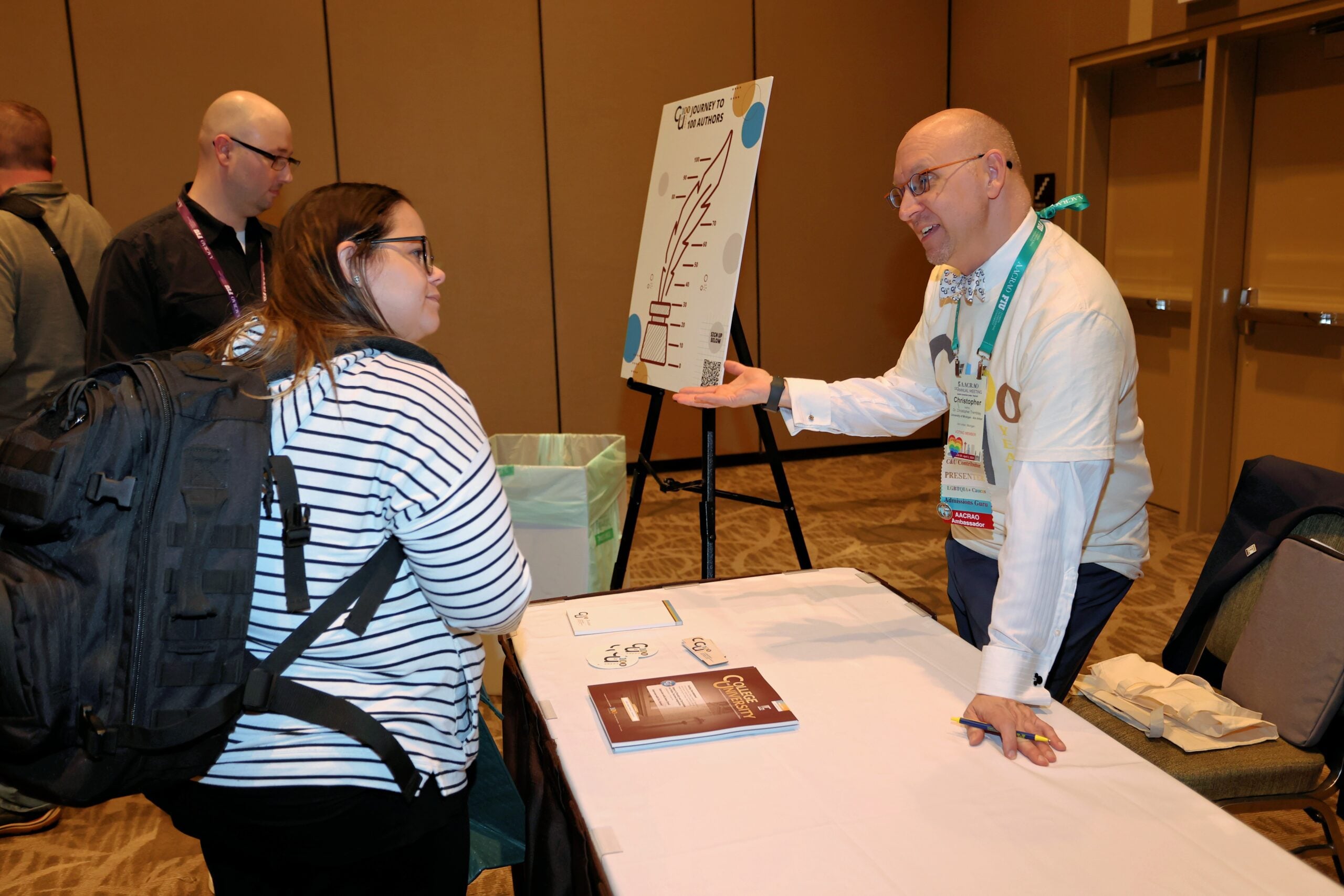
Two attendees discuss a presentation at an AACRAO conference table, with a “Journey to 100 Authors” poster on an easel
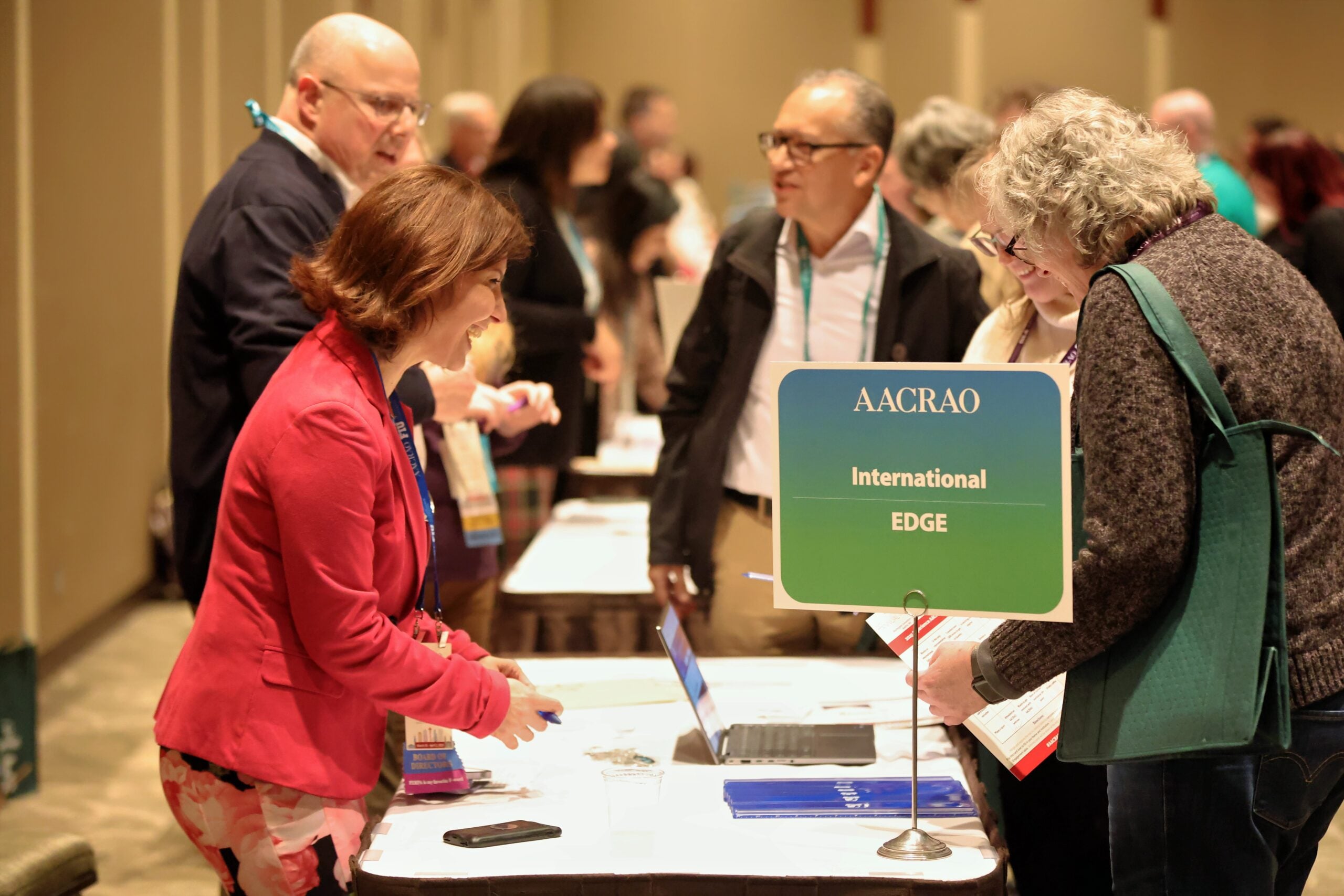
Woman smiling and speaking with attendees at an AACRAO event, holding a drink during a networking session

AACRAO Services

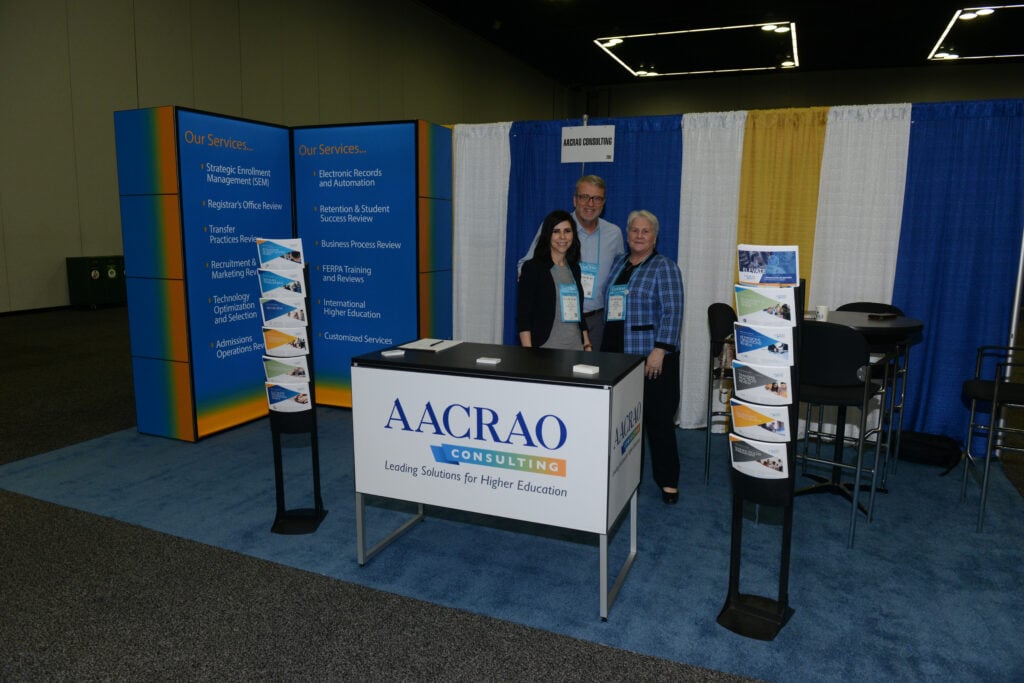
Leverage AACRAO Consulting and the Speakers Bureau to discover and implement new strategic solutions for your institution or find your next keynote speaker.
Online Bookstore

Explore AACRAO’s online bookstore to find publications, research, and guidance designed to support your professional development and institutional knowledge.

People talking at an AACRAO booth during a conference, with staff at a table handing out information

Careers at AACRAO

Join the team shaping the future of higher education. Explore current job openings and learn more about careers at AACRAO.

Resources or Publications FAQs

Have questions about AACRAO resources and publications? Our FAQs provide clear answers to help you access, use, and benefit from everything AACRAO has to offer.

  • Multi-Factor Authentication (MFA): Why You’re Seeing This and What to Do Next

    AACRAO is implementing Multi-Factor Authentication (MFA) to strengthen the security of member accounts and protect personal information. If you are seeing a prompt to set up MFA, it means your AACRAO login is being updated to include an additional layer of verification, consistent with widely adopted cybersecurity practices. This helps ensure that only you can access your account, even if your password is compromised.

    What is MFA?

    Multi-Factor Authentication is a security feature that requires two forms of verification when you sign in:

    • Something you know (your password), and
    • Something you have (a temporary code from an authentication app or a confirmation sent to a trusted device)

    In practice, MFA makes it significantly harder for unauthorized users to access your account. It is commonly used by banks, universities, and professional associations because it reduces the risk of account takeover and protects sensitive data.

    Additional Resources

    What is MFA used for on the AACRAO site?

    MFA is used to confirm your identity when you log in to AACRAO’s website and member services. It helps safeguard:

    • Your member profile information
    • Account preferences and settings
    • Access to member-only content and tools
    • Any transactions or actions tied to your AACRAO account

    How to set up MFA

    You can complete MFA setup in just a few minutes. The general process is the same regardless of which authenticator you choose:

    1. Sign in to your AACRAO account and follow the on-screen prompt to begin MFA setup.
    2. Choose your authentication method. Many users will select an authenticator app (recommended).
    3. Install an authenticator app on your phone if you do not already have one.
      • AACRAO provides step-by-step instructions for Salesforce Authenticator (available as a PDF on this page).
      • If you prefer another app, common options include Google Authenticator, Microsoft Authenticator, and similar tools.
    4. Connect the app to your AACRAO login. Typically, this means scanning a QR code or approving a connection request.
    5. Enter the verification code (or approve the prompt) to confirm setup.
    6. Save your backup options (if provided), so you can still access your account if you replace your phone.

    Using an authenticator other than Salesforce Authenticator

    If you select a non-Salesforce authenticator, the experience will be slightly different, but the steps are similar:

    • Select the option to use an authenticator app.
    • Scan the QR code shown during setup with your chosen app.
    • Enter the rotating 6-digit code generated by the app to complete verification.

    Need help?

    If you encounter issues during setup, review the PDF instructions on this page or consult the help documentation for your chosen authenticator app. If you are still unable to complete setup, AACRAO staff can help you regain access and complete the MFA process – contact communications@aacrao.org for any questions.


  • Are Screenshots of EDGE allowed?

    EDGE is copyrighted material, and violating the terms of use will result in cancellation of your subscription with no refund and may incur legal action. Previous versions of EDGE strictly prohibited subscribers from using screenshots as supporting material. As of EDGE 3.0, we have reconsidered this policy.

    Subscribers may now use a screenshot for reference purposes, provided it is properly attributed. A proper attribution includes both of the following:

    1. A statement of subscription and permitted use:

      [Insert entity] is a paid subscriber to the AACRAO Electronic Database for Global Education (EDGE) and is sharing this information as a reference to an evaluation. Other use is strictly prohibited.

    2. A citation in this format:

      “AACRAO EDGE [Insert Country] Profile.” [Insert Country], AACRAO EDGE, [insert access date], [insert weblink to main profile].

    The AACRAO Electronic Database for Global Education (EDGE) is available to subscribers only. Any rendering of an EDGE page reflects the database as of the date it was created. The database is dynamic, and credential advice is subject to change as additional research is completed. New placement recommendations are reviewed and approved by the International Education Standards Council (IESC). Copyright © 2004–2026 American Association of Collegiate Registrars and Admissions Officers.


  • What is this document that I’m looking at? Can I send you a copy of it?

    EDGE does not evaluate documents or credentials or assess individual evaluators on credentials they are working on. However, AACRAO Members can connect with evaluators in the credential evaluation space who are often happy to help a colleague in the AACRAO Exchange.

    If you’ve checked the relevant EDGE page and believe that this document is not covered there, you can submit the document to the IESC for review, it is important that you redact the document to protect individual student privacy.

    If the document is not yet in EDGE, we will need to do additional research before we can answer your question. The IESC is an volunteer group who meets twice monthly and so updates do take some time to complete.

    If an EDGE profile describes a credential but does not contain an example document, please use the above link to submit it to the IESC. We are always happy to expand our collection.