
Follow the steps below to add a Workshop or Luncheon to your registration.
Note: You may only purchase tickets for one attendee at a time.
1. Log in to your meeting registration and click the “Manage Registration” button in the upper right-hand corner of the screen. 
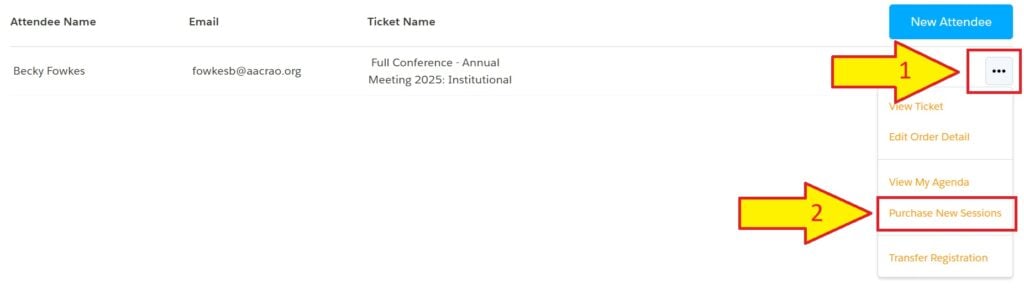
2. Click the three dots for the attendee adding a workshop or luncheon.
3. Select “Purchase New Sessions.
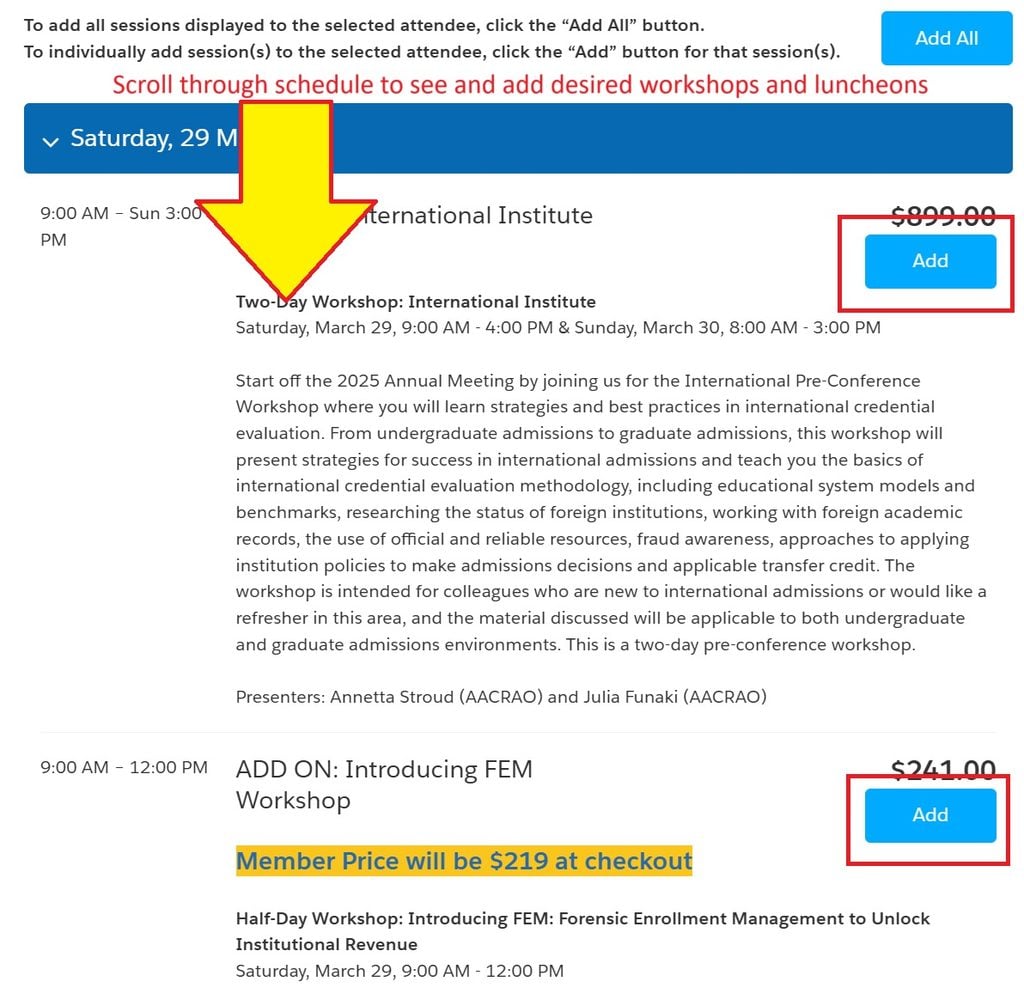
4. Select the conference and/or pre-conference workshop ticket(s) you wish to add.
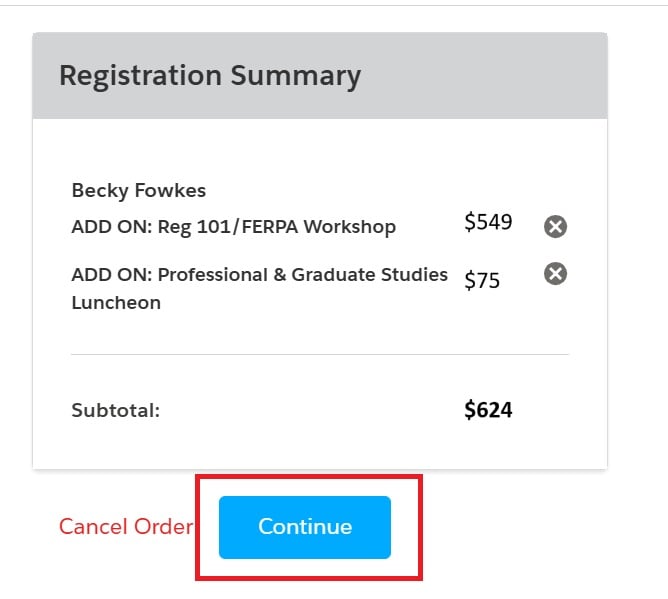
5. When all desired workshops and luncheons have been added, click “Continue”.
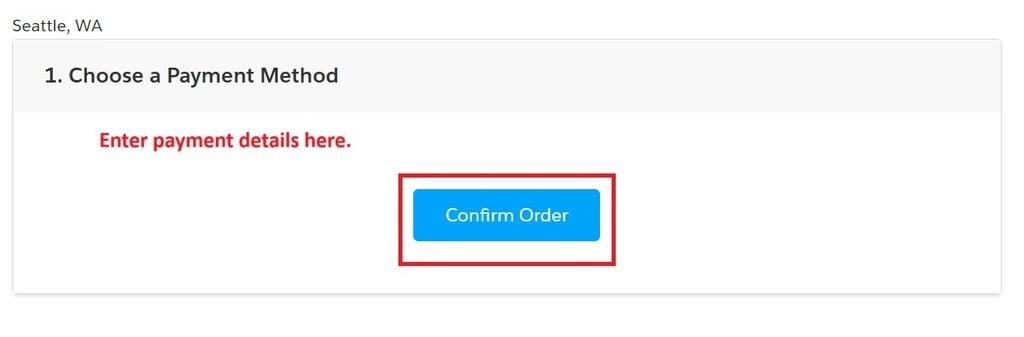
6. Enter payment details, click Confirm Order, and click Process Payment. After the purchase is complete, you will receive a receipt email, and the attendee you registered will receive a confirmation email.